Fixed Assets
Fixed Assets Module
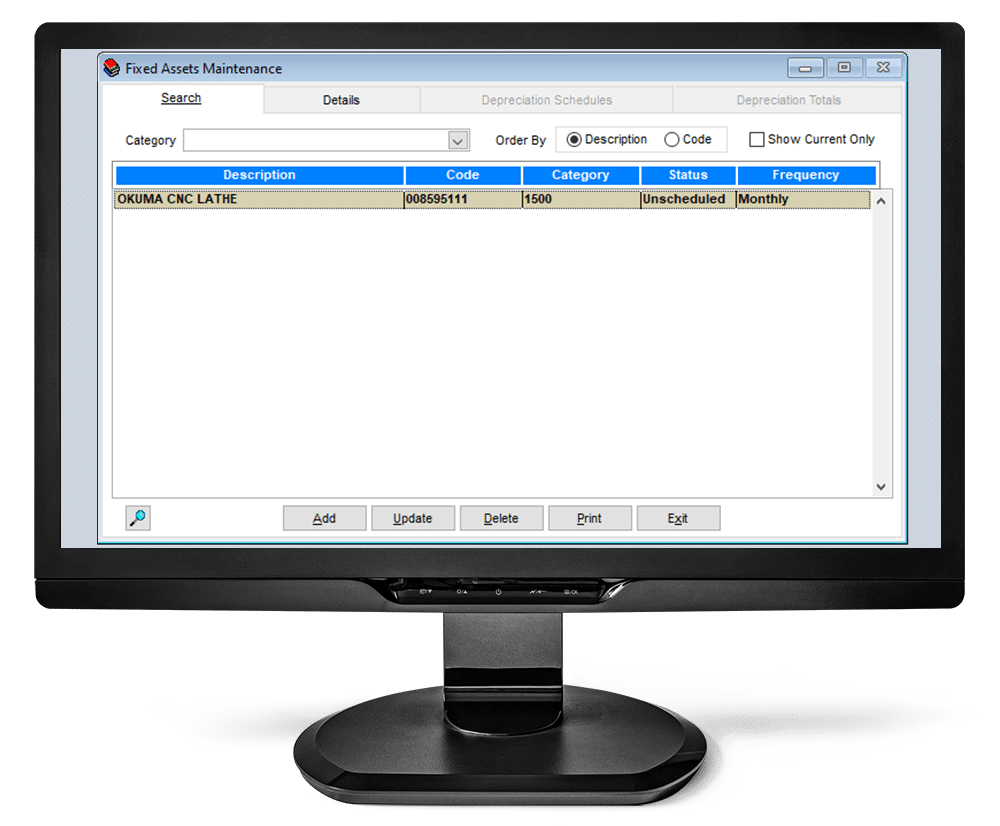
The Fixed Assets Module allows you to keep track of Fixed Asset purchases, create and maintain depreciation schedules and create depreciation journal entries.
The Fixed Assets Module allows you to manage these key items:
- Schedule Type
- Description
- Serial I.D. Number
- Model
- Date of Acquisition
- Depreciation Method
- Useful Life of Asset
- Depreciation Frequency
- Starting
- Total Cost
- Residual Value
- Depreciable Value
Choice from the drop down menu: Capital Purchase, Additional Capital, Attachment or None.
Short explanation that depicts the Schedule Type of purchase.
This is the unique alphanumeric identifier of the asset.
Description of the Model of the Asset.
Date Asset was purchased.
The type of deprecation that determines the calculation which will be used to depreciate the asset.
The length of measurement the Asset will be depreciated over.
This will default depending on the frequency you choose.
Enter the Month and Year in which the asset depreciation will be booked.
The specific amount of the Capital Purchase, Additional Capital or Attachment that was booked for the Asset.
The remaining value of the Asset after is has been full depreciated.
This is a calculated field which is determined by subtracting the Residual Value from the Total Cost.